Page 2 of 16. Back to the latest posts
October 10, 2026•7 min read
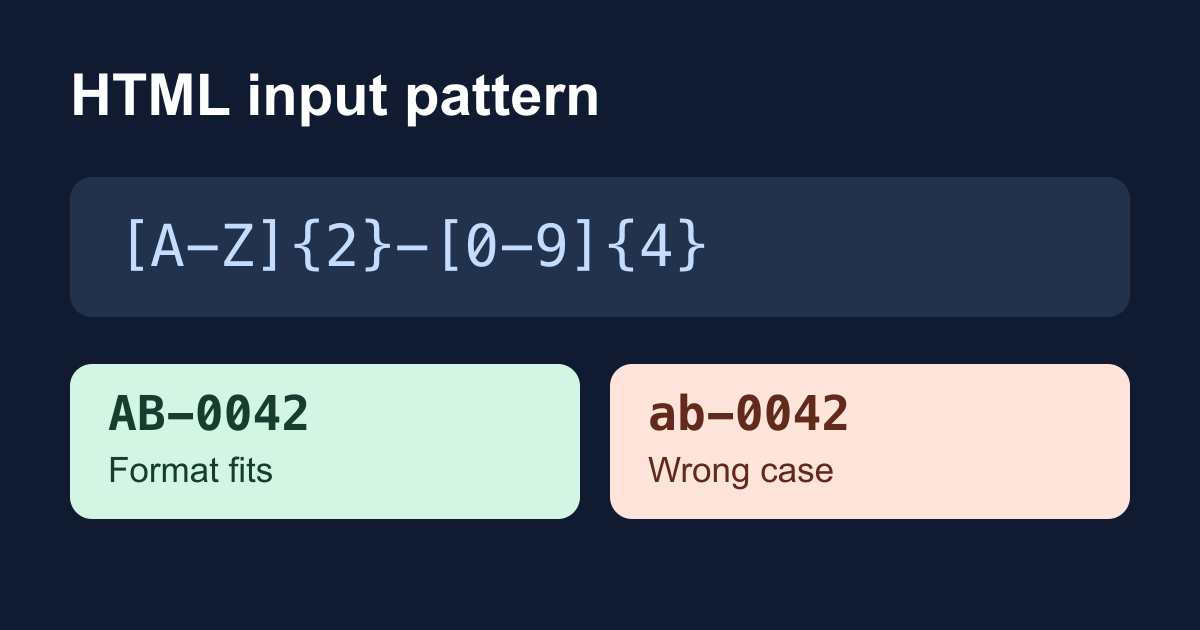
Learn how HTML input pattern matches a whole value, handles empty fields, and uses the v flag. Build a local checker with clear, accessible format hints.
October 9, 2026•6 min read
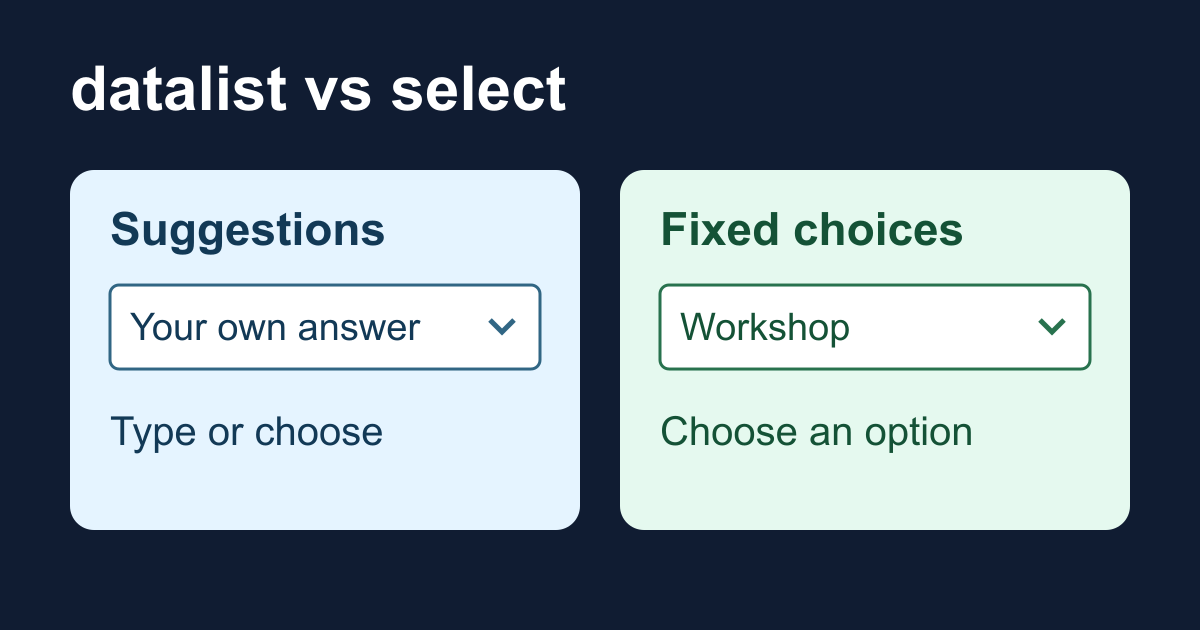
Learn when to use HTML datalist instead of select. Test free-text values, required validation, form data, and accessibility limits with a working local example.
October 8, 2026•8 min read
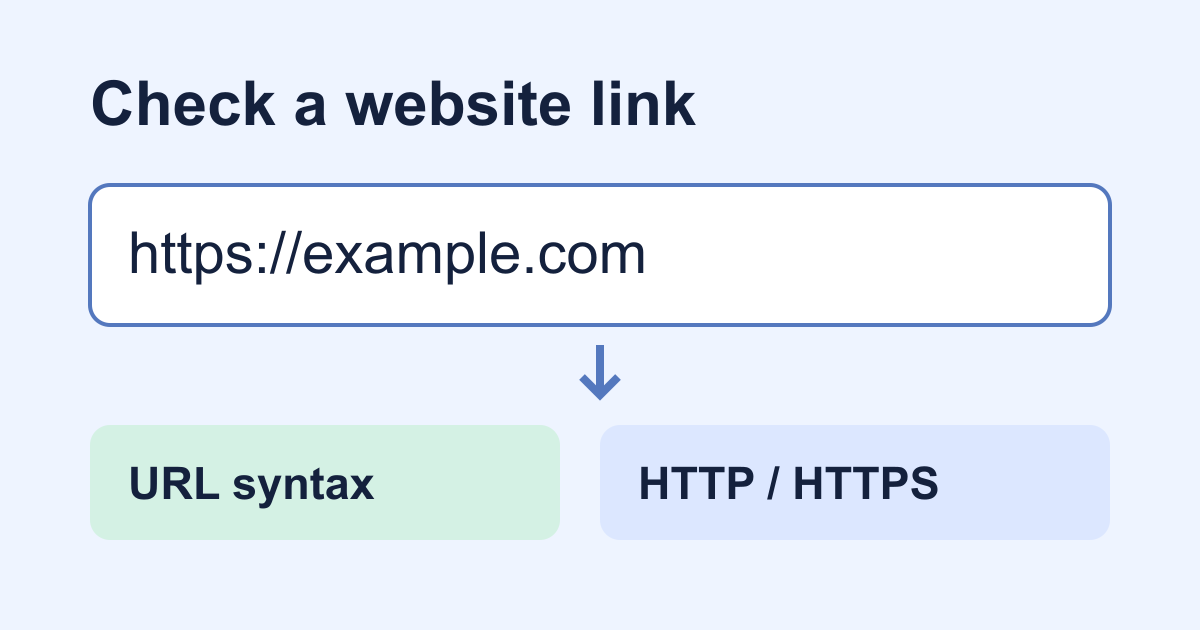
Learn what HTML URL inputs validate, add HTTP and HTTPS checks, and test an accessible website field without confusing valid syntax with a safe or working link.
October 8, 2026•7 min read
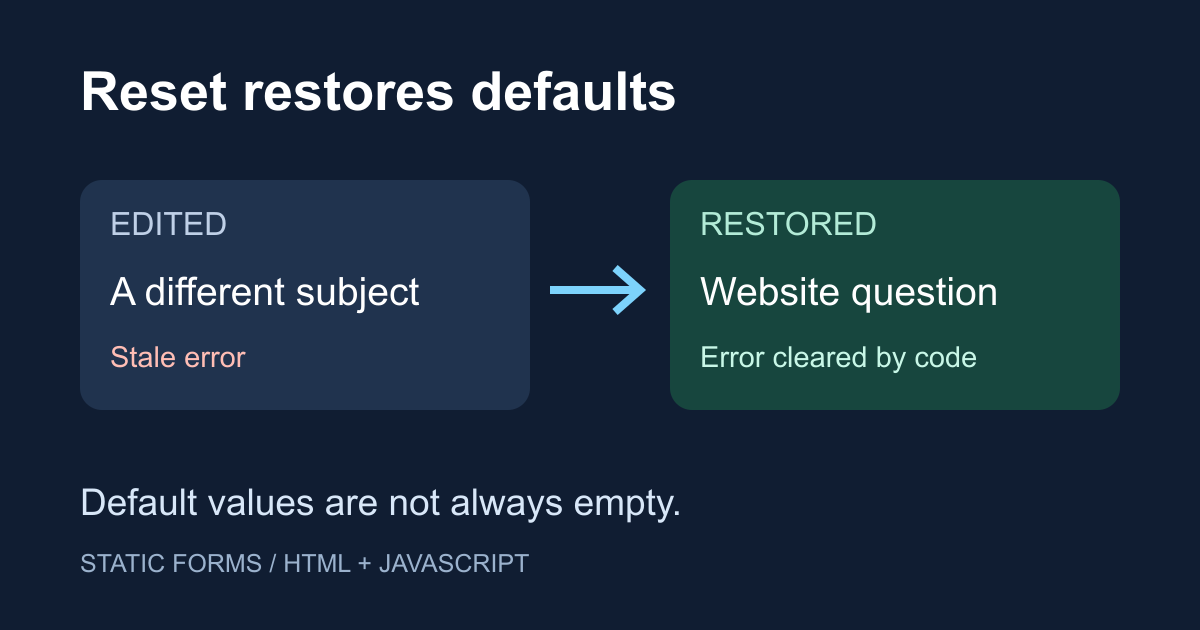
Learn what form.reset() restores, why defaults are not empty values, and how to clear custom errors with a working HTML demo and keyboard-friendly feedback.
October 6, 2026•6 min read
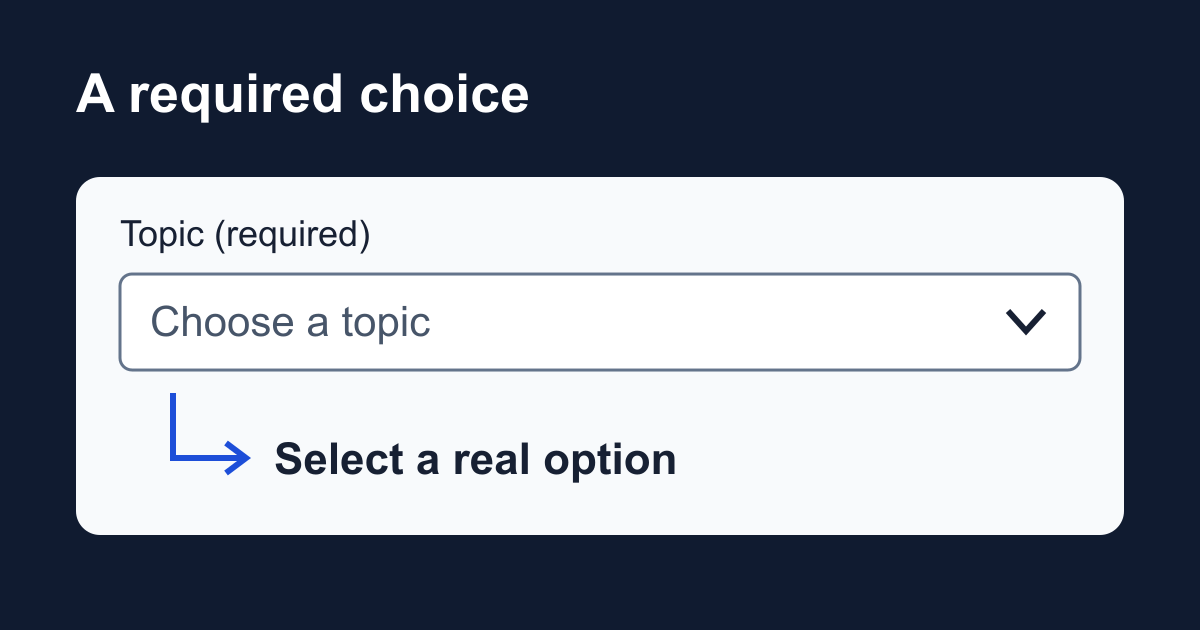
Build an HTML select placeholder that works with required. Test empty options, optgroups, keyboard input, and the exact FormData value in a local checker.
October 4, 2026•7 min read
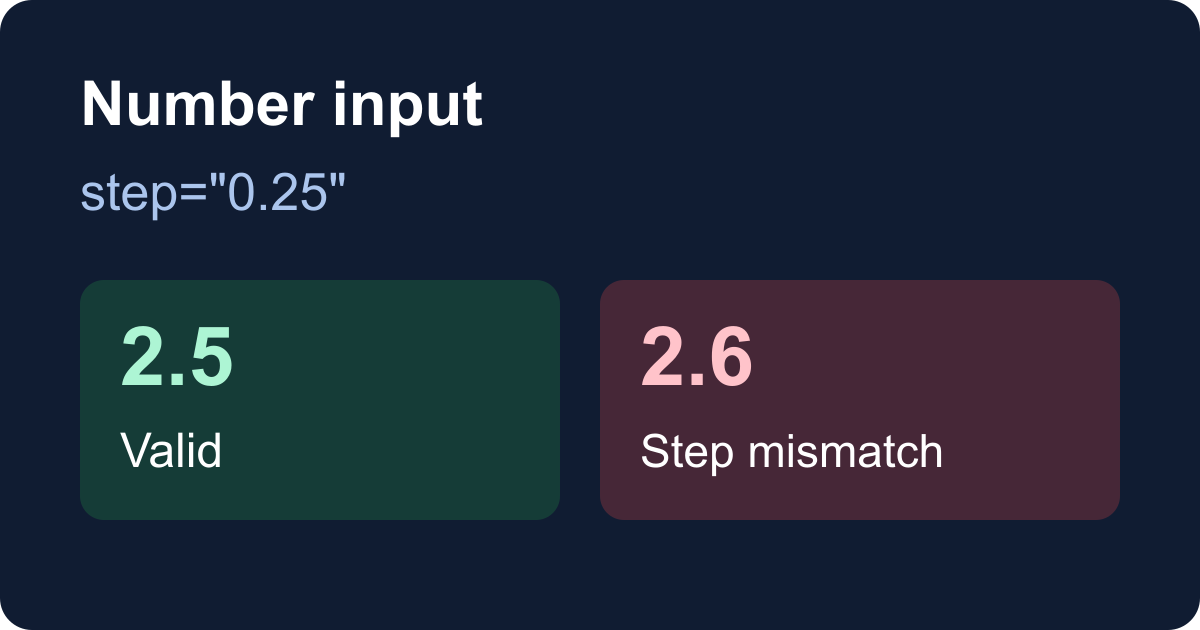
Fix HTML number input validation with min, max, and step. Test decimals, required values, keyboard errors, and FormData in a complete local quantity checker.
October 3, 2026•7 min read
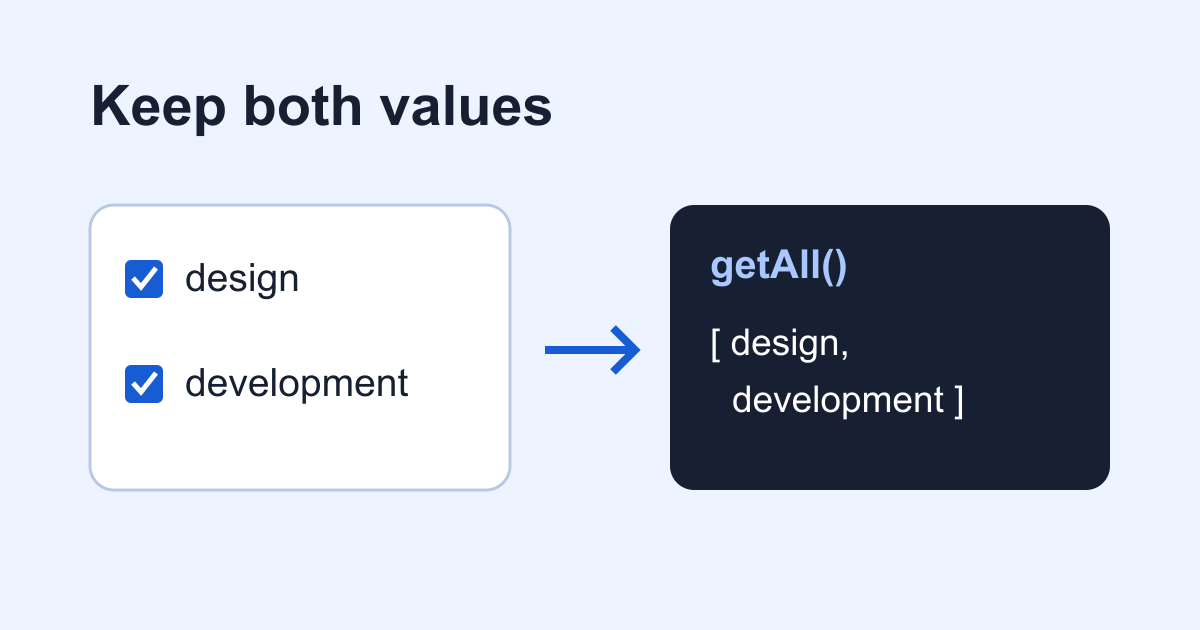
Fix missing checkbox values with FormData.getAll(). Run a complete browser demo, compare JSON conversions, and check repeated fields before sending them.
October 2, 2026•8 min read
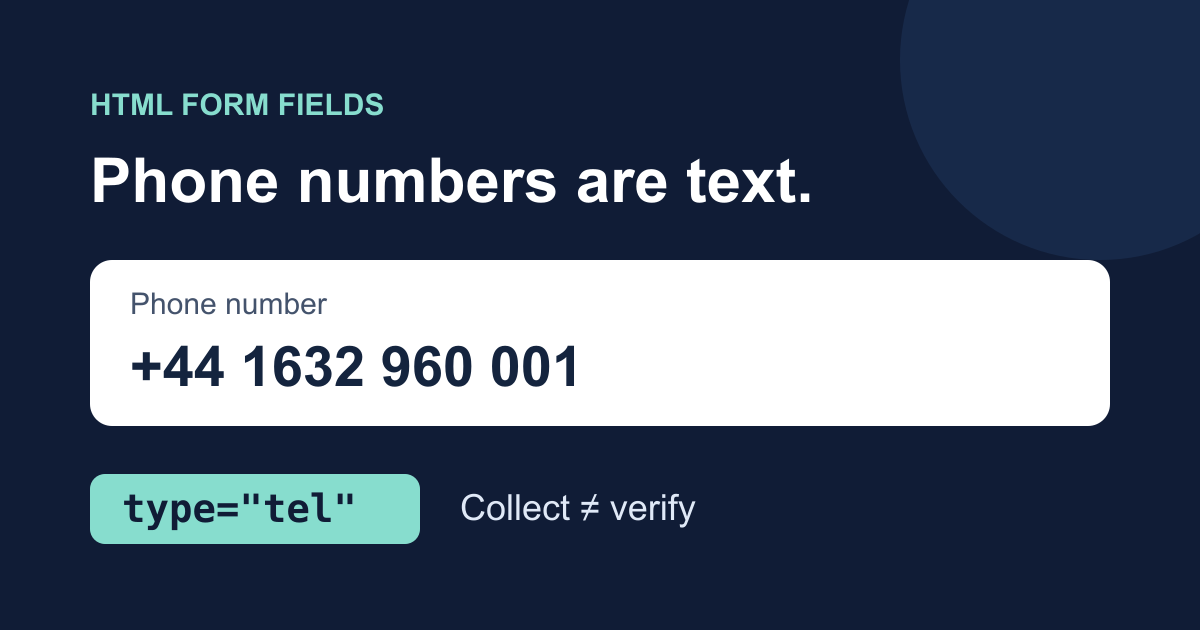
Build an accessible HTML phone number input with type=tel, autocomplete, and an optional extension. Test what submits and where phone validation belongs.
October 1, 2026•7 min read
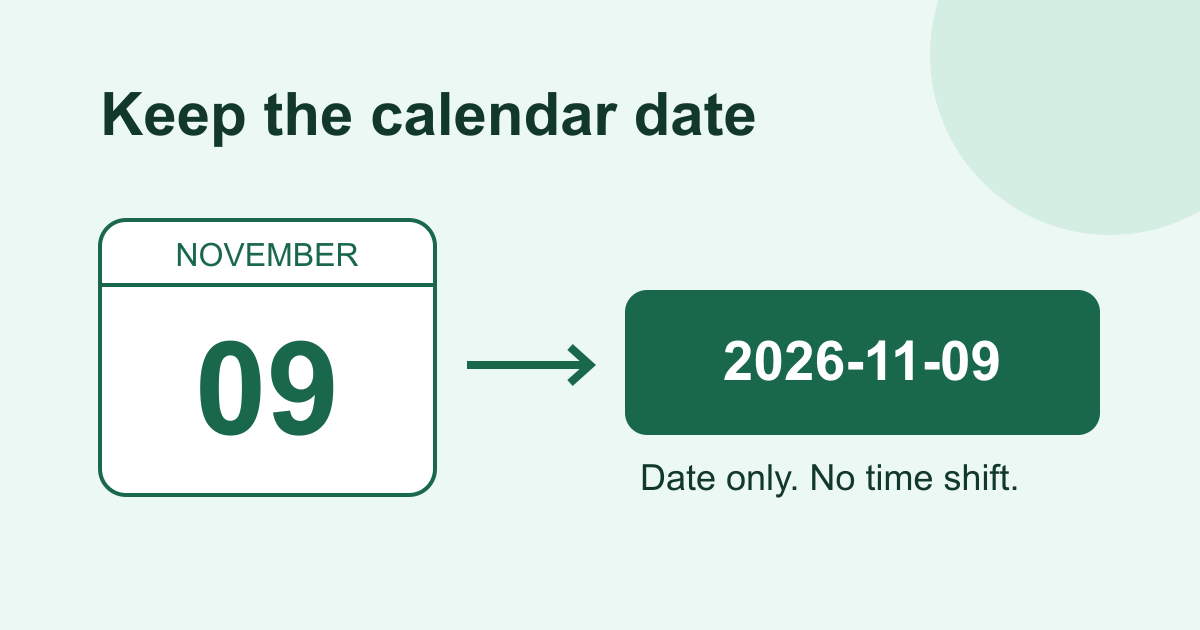
Build an HTML date input with min, max, and step. Validate a weekly date range, preserve date-only values, and avoid off-by-one timezone mistakes.
October 1, 2026•6 min read
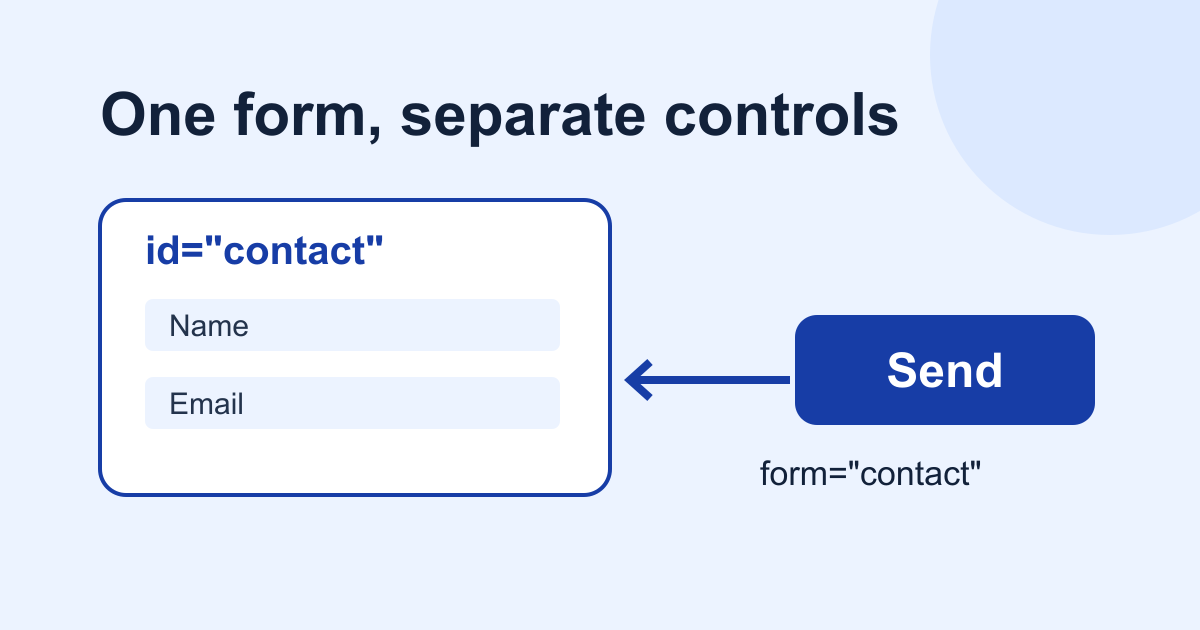
Fix missing external form fields with the HTML form attribute. Check form ownership, native validation, keyboard submission, and the exact FormData payload.
September 29, 2026•7 min read
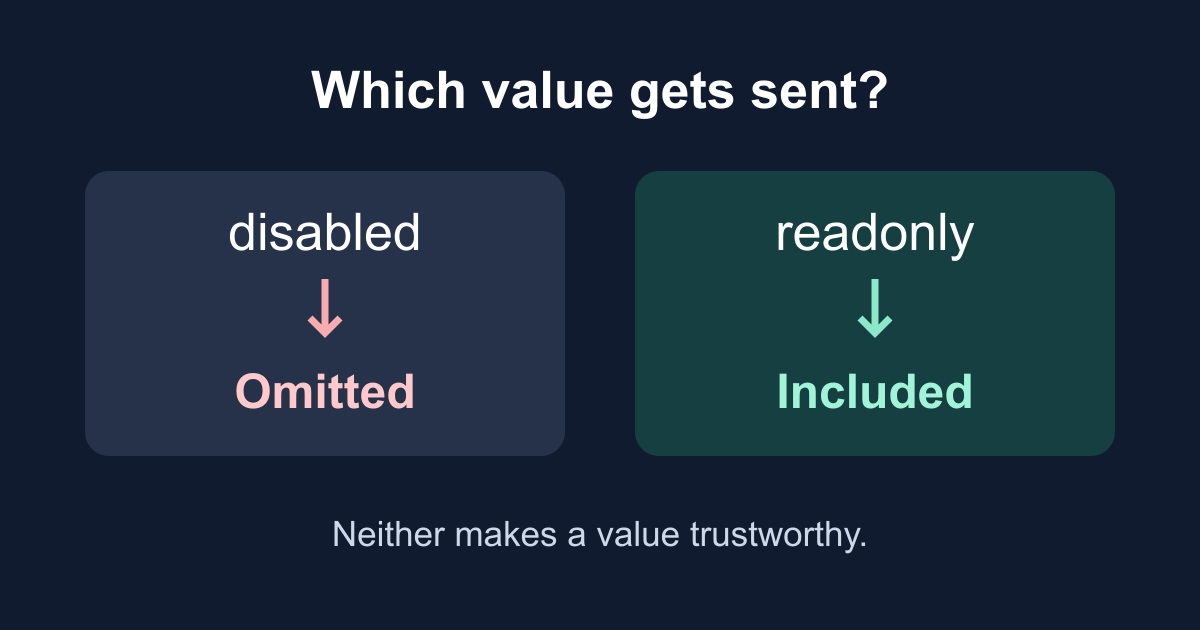
Learn why disabled fields disappear from HTML form submissions, when readonly keeps a value, and how to inspect the exact payload with a working browser demo.
September 23, 2026•7 min read
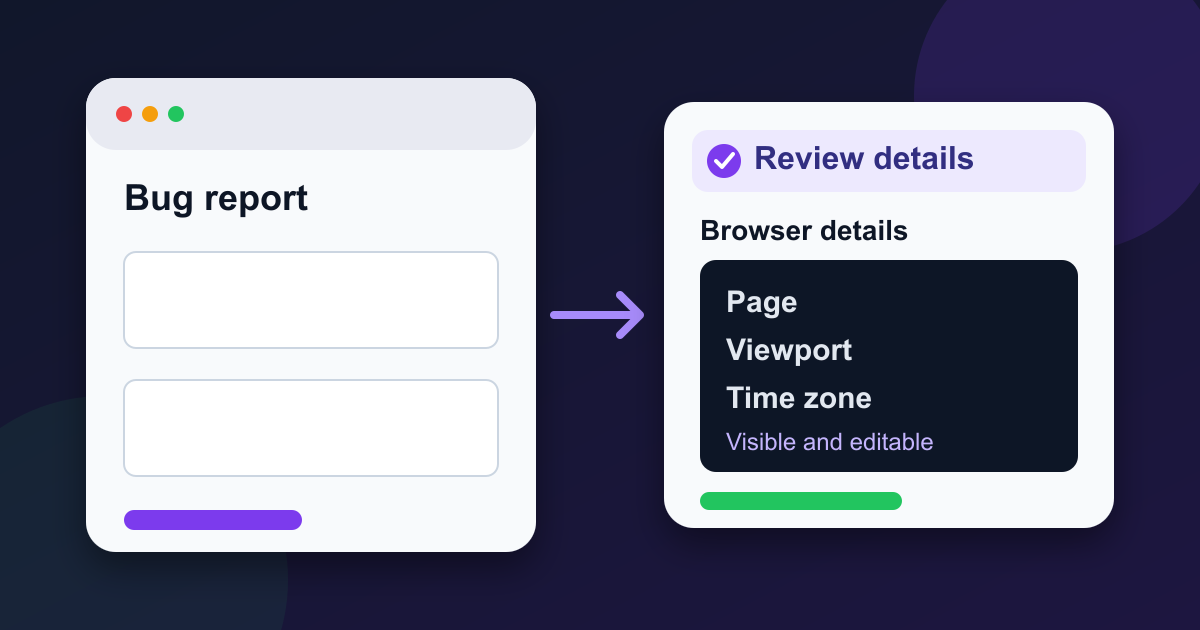
Build a bug report form that captures page, viewport, language, time zone, and user agent while letting users review the details before sending.