

Add browser details to a bug report form safely
A useful bug report needs context, but collecting every browser signal you can find is a bad default. Capture the small set that helps reproduce layout and locale problems, show it to the person reporting the bug, and let them edit or remove it before they send the form.
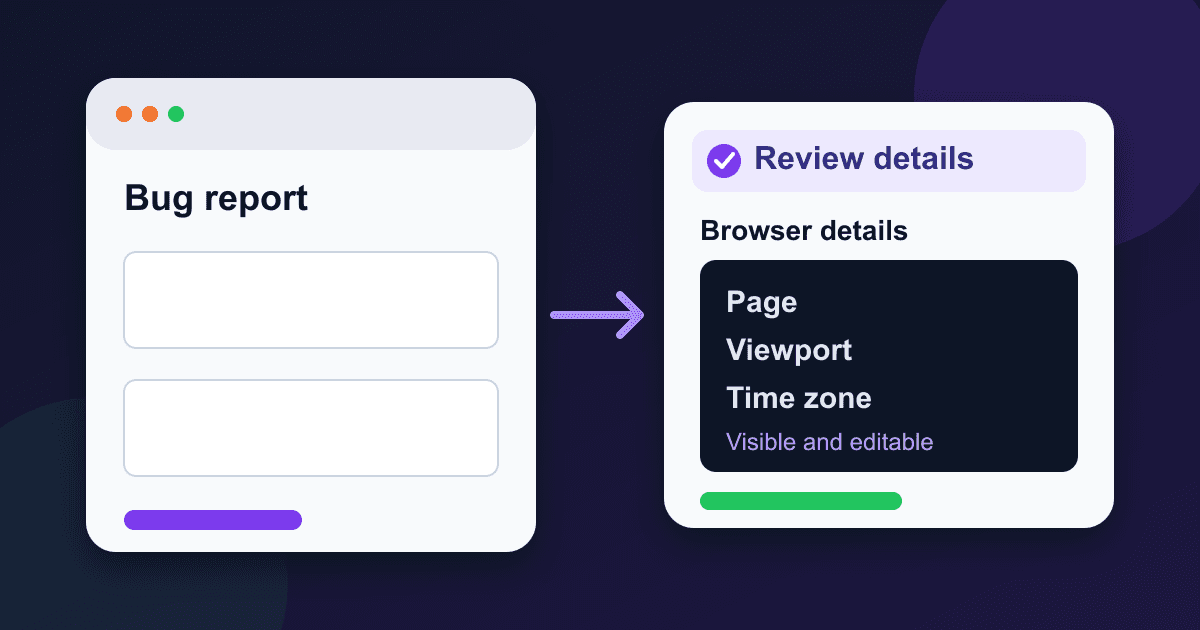
The example below adds five details to a normal bug report: the page path, viewport size, preferred language, time zone, and user-agent string. It avoids high-entropy client hints, strips query strings and fragments from the page URL, and keeps the diagnostics in a visible textarea.
What this form collects
The finished form sends the reporter's email, a description, reproduction steps, and a plain-text diagnostics field. JavaScript fills that field with:
- the page origin and pathname;
- the current layout viewport width and height;
- the browser's preferred language;
- the runtime's IANA time-zone name;
- the browser-provided user-agent string.
window.innerWidth and window.innerHeight describe the layout viewport in CSS pixels, which is useful when a bug appears only near a responsive breakpoint.[1] navigator.language reports the user's preferred language, usually the browser interface language.[2] Intl.DateTimeFormat().resolvedOptions().timeZone returns the runtime's default time-zone name.[3]
The user-agent line is supporting evidence, not a reliable browser detector. Browsers can reduce or alter it, and MDN recommends feature detection when application behavior depends on a capability.[4]
Use a visible, editable diagnostics field
A hidden field is convenient for the developer and opaque to the person submitting the report. A readonly field is only slightly better. An ordinary textarea gives the reporter a chance to spot a private path, remove a line, or add the extension and browser version they were actually using.
This also makes consent concrete. The page says what will be sent at the same place where the data appears. There is no separate device fingerprint running in the background.
The W3C's fingerprinting guidance recommends limiting browser data to the entropy needed for the task.[5] That is why this example does not request model, architecture, full browser version lists, installed fonts, device memory, or graphics hardware.
Build the bug report form
Replace YOUR_API_KEY in the form action with the key from your form's General tab. A Static Forms key is a public form identifier, so it can appear in page markup. Domain restriction and CAPTCHA are the controls that prevent unauthorized submissions.[6][7]
<form
  id="bug-report"
  action="https://api.staticforms.dev/submit/YOUR_API_KEY"
  method="post"
>
  <div>
    <label for="email">Email</label>
    <input
      id="email"
      name="email"
      type="email"
      autocomplete="email"
      required
    />
  </div>

  <div>
    <label for="summary">What went wrong?</label>
    <textarea
      id="summary"
      name="summary"
      rows="5"
      minlength="20"
      required
    ></textarea>
  </div>

  <div>
    <label for="steps">Steps to reproduce</label>
    <textarea
      id="steps"
      name="steps"
      rows="6"
      required
    ></textarea>
  </div>

  <div>
    <label for="diagnostics">Browser details</label>
    <p id="diagnostics-help">
      Review these details before sending. You can edit or remove them.
    </p>
    <textarea
      id="diagnostics"
      name="diagnostics"
      rows="7"
      aria-describedby="diagnostics-help"
    ></textarea>
    <button id="refresh-details" type="button">
      Refresh browser details
    </button>
  </div>

  <input
    name="website_honeypot"
    type="text"
    tabindex="-1"
    autocomplete="off"
    hidden
  />

  <button id="send-report" type="submit">
    Send bug report
  </button>
  <p id="form-status" role="status" aria-atomic="true"></p>
</form>

<script>
  const form = document.querySelector('#bug-report');
  const diagnostics = document.querySelector('#diagnostics');
  const refreshButton = document.querySelector('#refresh-details');
  const sendButton = document.querySelector('#send-report');
  const status = document.querySelector('#form-status');

  function pageWithoutPrivateParts() {
    return `${location.origin}${location.pathname}`;
  }

  function buildBrowserDetails() {
    const timeZone =
      Intl.DateTimeFormat().resolvedOptions().timeZone || 'Unknown';

    return [
      `Page: ${pageWithoutPrivateParts()}`,
      `Viewport: ${window.innerWidth} x ${window.innerHeight} CSS px`,
      `Language: ${navigator.language || 'Unknown'}`,
      `Time zone: ${timeZone}`,
      `User agent: ${navigator.userAgent}`,
    ].join('\n');
  }

  function refreshBrowserDetails(announce = true) {
    diagnostics.value = buildBrowserDetails();
    if (announce) {
      status.textContent = 'Browser details updated.';
    }
  }

  refreshButton.addEventListener('click', () => {
    refreshBrowserDetails();
  });

  form.addEventListener('submit', async (event) => {
    event.preventDefault();

    if (!form.reportValidity()) {
      return;
    }

    sendButton.disabled = true;
    status.textContent = 'Sending bug report...';

    try {
      const response = await fetch(form.action, {
        method: 'POST',
        body: new FormData(form),
        headers: { Accept: 'application/json' },
      });

      if (!response.ok) {
        throw new Error(`Request failed with ${response.status}`);
      }

      form.reset();
      refreshBrowserDetails(false);
      status.textContent = 'Bug report sent.';
    } catch (error) {
      console.error(error);
      status.textContent =
        'The report could not be sent. Your entries are still here. Try again.';
    } finally {
      sendButton.disabled = false;
    }
  });

  refreshBrowserDetails(false);
</script>
The form posts multipart/form-data because FormData is used as the request body. Do not set the Content-Type header yourself; the browser adds the multipart boundary.
Why the page URL drops its query and fragment
A full URL can contain search terms, email addresses, reset tokens, document identifiers, or internal filters. Most support teams only need to know which route was open.
The helper joins location.origin and location.pathname, so this:
https://example.com/account/billing?email=person@example.com#invoice-4831becomes:
https://example.com/account/billingIf a query parameter is necessary to reproduce one specific bug, ask the reporter to add it manually. That is safer than collecting every query value from every report.
Treat the user agent as a clue
The user-agent string can help separate a Safari-only report from a Chromium-only report, but it should not drive the application. It may be reduced, spoofed, or shared by multiple browser versions.[4]
Write support notes such as "reported UA contains Safari" rather than "this proves Safari 18.2." When a fix depends on a web feature, test the feature itself:
const supportsDialog =
  'HTMLDialogElement' in window &&
  typeof HTMLDialogElement.prototype.showModal === 'function';
That check answers the question the application cares about. Parsing the user agent tries to infer the same answer through a label that may be inaccurate.
Keep the diagnostics useful and small
The five lines in the example cover common causes of front-end bugs:
- Page path identifies the affected screen without copying private URL parameters.
- Viewport size helps reproduce responsive breakpoints.
- Language exposes locale-specific formatting and translation issues.
- Time zone helps with date and scheduling bugs.
- User agent gives support a rough browser and platform clue.
Add another field only when your team can name the bug class it helps investigate. If color-scheme problems are common, matchMedia('(prefers-color-scheme: dark)').matches may be worth adding. If they are not, leave it out.
Do not collect IP addresses, precise location, device model, hardware identifiers, installed fonts, or high-entropy client hints for an ordinary layout report. Some of those signals can strengthen a fingerprint without improving the investigation.[5]
Make the async states accessible
The status paragraph exists in the DOM before the request starts and uses role="status" with aria-atomic="true". W3C Technique ARIA22 describes this pattern for polite announcements that do not move focus.[8]
The send button is a native button and stays focused while its label-adjacent status changes. It is disabled during the request to prevent an accidental second submission. On failure, the script leaves every field untouched and tells the reporter that their entries remain.
Native labels are attached with for and id. The diagnostics explanation is connected with aria-describedby, so a screen reader can announce why the generated text is present and that it can be edited.
Test the form before deploying it
Use a staging form key and submit a report with unmistakable test values. Check each boundary separately:
- Load the page with a query string and fragment. Confirm the diagnostics contain neither one.
- Resize the viewport, press Refresh browser details, and confirm the dimensions change.
- Edit or delete a diagnostics line and verify the submitted value matches the textarea.
- Submit with a required field empty. Native validation should block the request and focus the invalid field.
- Submit with the network available. The status should change from "Sending bug report..." to "Bug report sent."
- Block the endpoint or switch offline. The failure message should appear and the typed report should remain.
- Use Tab and Shift+Tab to reach both buttons, then submit with the keyboard.
- Confirm the submission appears in the intended Static Forms inbox.
A browser test proves that the interface and request path work together. A successful API call alone does not prove that labels, validation, keyboard activation, or status announcements work.
Configure abuse controls and retention
Static Forms recognizes fields with honeypot in the name, including the example's website_honeypot field.[9] Treat that field as a low-friction first filter, not the only control. Add the production domains in the form's Security tab. If the form attracts automated abuse, enable a supported CAPTCHA and keep the server-side spam filter on.[7]
Bug reports often contain account details, screenshots, URLs, and descriptions of private work. Tell reporters not to paste passwords, access tokens, recovery codes, or payment data. Limit access to the support inbox and choose a retention period that matches how long the team needs the reports. Static Forms lets each form use its own retention setting in the General tab.[6]
Start from the bug report template
If you do not already have the description and reproduction fields, copy the bug report form template, then add the diagnostics textarea and script from this guide. Review the form General settings for the current endpoint and retention behavior, and configure domain restriction or CAPTCHA before putting the form on a public site.
The useful part is not collecting more. It is giving support enough context to reproduce the problem while leaving the reporter in control of what they send.
Sources
[1] MDN: Window.innerWidth
[2] MDN: Navigator.language
[3] MDN: Intl.DateTimeFormat.resolvedOptions()
[4] MDN: Navigator.userAgent
[5] W3C: Mitigating Browser Fingerprinting in Web Specifications
[6] Static Forms: General form settings
[7] Static Forms: Form security
[8] W3C WAI: Using role=status to present status messages
[9] Static Forms: Honeypot field
Related Articles
requestSubmit() vs submit(): Validate Forms Before Sending
Learn why requestSubmit() runs browser validation and submit handlers while submit() skips them, with a tested contact form pattern and debugging checks.
Build a FilePond Upload Form Without an Upload Server
Add FilePond to a multipart form, keep uploads in one browser request, validate size and type, preserve fallback HTML, and test the real payload.
Prevent Duplicate Form Submissions in JavaScript
Stop double-clicks and repeated contact form requests with a tested JavaScript submit guard, honest retry handling, and accessible status messages.




































