

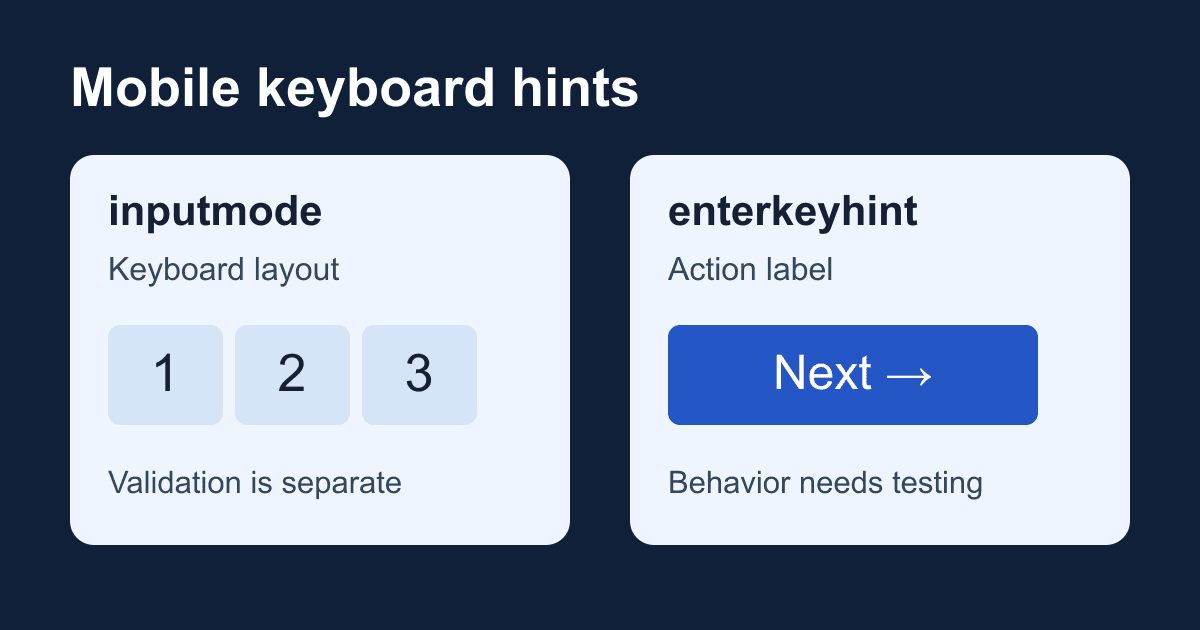
HTML inputmode and enterkeyhint: mobile keyboard hints
A numeric keyboard can make a form easier to fill out, but it doesn't make a field numeric. A keyboard key labeled "Send" doesn't add a submission handler either. These are separate jobs, and mixing them up produces forms that look finished on a phone but accept values the application wasn't expecting.
HTML gives you two small controls over the virtual keyboard: inputmode suggests its layout, and enterkeyhint suggests the label or icon on its action key. This guide shows how to choose them and gives you a local test page that makes their limits visible. It does not send data to a server.
Inputmode changes the keyboard hint, not validation
MDN's inputmode reference explicitly separates keyboard hints from validity requirements. Adding inputmode="numeric" to a text input does not reject letters pasted into it, create a numeric range, or turn its value into a JavaScript number.
Choose the input type for the meaning of the field first:
- An email address belongs in
type="email". That type has browser email-syntax validation; a text input withinputmode="email"does not gain it. - A phone number belongs in
type="tel". Don't treat phone numbers as quantities. See the phone input guide for international formats and validation limits. - A quantity that should support numeric operations may suit
type="number". Its range and step rules are covered in the number input guide. - A digits-only reference identifier can remain
type="text"withinputmode="numeric". Keeping it as a string also avoids turning an identifier such as00142into the number142in your own processing code.
The last choice depends on the actual identifier format. If reference codes can contain letters, a numeric keyboard makes typing harder. Postal codes are another reason to resist a blanket numeric rule: the format depends on the country.
inputmode="decimal" requests a keyboard suited to fractional numbers, with a locale-appropriate separator. numeric requests digit entry. Neither guarantees a minus key, and the exact layout depends on the device and keyboard. Don't promise that a particular decimal separator or symbol will always be present.
Enterkeyhint describes the action key
The HTML standard defines enterkeyhint as a presentation hint. Its values are enter, done, go, next, previous, search, and send.
Use the hint that matches the intended interaction. search fits a search field; enter fits a message box where Return should insert another line. next suggests moving to another field, but it is not a portable replacement for implementing and testing a focus flow. Likewise, send isn't a substitute for a form action or a submit handler.
MDN's enterkeyhint reference documents the possible labels and notes that they depend on the browser and user language. A physical keyboard will not grow a new label. Desktop responsive emulation also cannot prove what an actual iPhone or Android keyboard will show.
Keep a visible button for the operation. Users should not have to discover a keyboard-specific route through the form, and a keyboard hint should not be the only explanation of what will happen.
Build a local keyboard test page
Save this complete example as keyboard-lab.html and open it in a browser. It needs no package installation, account, or API key. JavaScript is required for the inspection button; the page says so when scripting is disabled.
The reference field deliberately has no pattern constraint. That makes it possible to compare the keyboard hint with the browser's validity result. The message box requests a normal Return key so you can check multiline editing without accidentally sending anything.
<!doctype html>
<html lang="en">
<head>
  <meta charset="utf-8">
  <meta name="viewport" content="width=device-width, initial-scale=1">
  <title>Inputmode and enterkeyhint lab</title>
  <style>
    * { box-sizing: border-box; }
    body {
      max-width: 38rem;
      margin: 2rem auto;
      padding: 0 1rem;
      font: 1rem/1.6 system-ui, sans-serif;
      color: #172033;
      background: #fff;
    }
    label { display: block; margin-top: 1rem; }
    input, textarea, button {
      font: inherit;
      max-width: 100%;
      padding: .65rem;
    }
    input, textarea { width: 100%; }
    button { margin-top: 1rem; cursor: pointer; }
    :focus-visible {
      outline: 3px solid #2457c5;
      outline-offset: 3px;
    }
    #result { overflow-wrap: anywhere; }
  </style>
</head>
<body>
  <h1>Keyboard hint lab</h1>
  <p>Local inspection only. Nothing is sent or saved.</p>
  <noscript>Enable JavaScript to use the inspection button.</noscript>
  <form id="lab">
    <label for="reference">Reference (required)</label>
    <p id="reference-help">
      Try 00142, then try pasting ABC. This demo has no digits-only rule.
    </p>
    <input id="reference" name="reference" type="text"
      inputmode="numeric" enterkeyhint="next" required
      aria-describedby="reference-help">

    <label for="message">Message (optional)</label>
    <textarea id="message" name="message" rows="4"
      enterkeyhint="enter"></textarea>

    <button id="inspect" type="button">Inspect locally</button>
    <p id="result" role="status" aria-atomic="true"></p>
  </form>
  <script>
    const form = document.getElementById('lab');
    const reference = document.getElementById('reference');
    const result = document.getElementById('result');

    form.addEventListener('submit', (event) => {
      event.preventDefault();
    });

    document.getElementById('inspect').addEventListener('click', () => {
      const data = new FormData(form);
      result.textContent =
        'Reference: ' + JSON.stringify(data.get('reference')) +
        '. Valid: ' + reference.validity.valid +
        '. Nothing was sent.';
    });
  </script>
</body>
</html>
There are no placeholders to replace. The button has type="button" so inspection is independent of form submission. The submit listener prevents navigation if a browser attempts implicit submission while JavaScript is active. Don't use this page to collect sensitive information: it is a diagnostic example, not a production intake form.
Enter 00142 and inspect it. The result should contain "00142", including its leading zeros, and Valid: true. Paste ABC: the result should still say Valid: true. Empty the field and inspect again: required makes it invalid. The numeric hint did not create that rule; the required attribute did.
The result uses textContent, so an inspected value becomes text rather than executable HTML. The visible labels identify both controls, and the status region exposes changes to assistive technology without moving focus. Test announcements with the screen reader you support; a role in the DOM alone is not proof of an announcement on every combination.
Add real rules separately
If a reference must contain only ASCII digits, define that rule explicitly, for example with the pattern value [0-9]+, and repeat the rule in your receiving application. Explain the expected format beside the field. The HTML pattern guide covers full-value matching and required versus optional inputs.
Do not convert every numeric-looking value to a number. Identifiers can have meaningful leading zeros, and arbitrary-length digit strings may not fit safely in a JavaScript number. Validate the format you need and preserve the original string where identity depends on it.
A browser hint is not a security boundary. An attacker can send requests without your form. Server validation, authorization where applicable, spam controls, and careful handling of submitted data remain separate requirements. Avoid collecting more personal data just because a keyboard makes it convenient to type.
Move from the lab to a production form
This lab has no delivery path. To collect real submissions, use your existing form backend or follow the Static Forms setup documentation to configure one. Keep the keyboard attributes on the actual input and textarea elements. Replace the local inspection behavior with the documented submission flow, including success and failure feedback; do not leave the submit-canceling listener in a native POST form.
Serve your real page over HTTPS. If you use a framework input component, inspect the rendered element to confirm that it forwards both attributes. A prop on a component is not evidence that the browser received the hint.
Test delivery separately from typing. A correct keyboard says nothing about whether the endpoint accepted a request or an email reached its destination. Use non-sensitive test values and confirm each result at the relevant destination before treating the form as ready.
Troubleshoot on the device that shows the problem
If letters are accepted in the numeric field, inspect the validation rules rather than changing the keyboard hint. The lab intentionally demonstrates this behavior.
If a required symbol is missing, check the selected keyboard and locale. Use a less restrictive hint when the format requires characters that the suggested keyboard makes awkward to enter. Don't prevent paste as a workaround.
If "Next" doesn't advance focus, verify the native browser behavior and your focus implementation on the affected device. Don't globally intercept Enter to force navigation: doing so can disrupt multiline editing and input-method composition. The message textarea should still accept a newline.
If the hint seems to do nothing, inspect the rendered attribute, then test with a real on-screen keyboard. Hardware keyboards, browser settings, and unsupported or ignored hints can make the same markup look unchanged.
Before shipping, check keyboard-only access to every control, visible focus, text zoom, and status feedback. On real iOS and Android devices, record the keyboard layout, action label, focus movement, and multiline behavior. Keep those observations separate from desktop layout tests. The fallback must remain a usable labeled form with a visible button, even when the keyboard ignores both hints.
Related Articles
HTML number input: fix min, max, and step validation
Fix HTML number input validation with min, max, and step. Test decimals, required values, keyboard errors, and FormData in a complete local quantity checker.
HTML phone number input: type=tel without a restrictive regex
Build an accessible HTML phone number input with type=tel, autocomplete, and an optional extension. Test what submits and where phone validation belongs.
Mastering Button Tags Html for Modern Web Development
Master button tags html in 2026! Explore syntax, attributes (type/disabled), form behavior, accessibility, and React/Vue usage for web success.







































